
Your guide to the RollCall Parent App
Simple, step-by-step help for parents, from your very first sign-in to following the bus on a live map. Your school shares these guides, so a hand is always close by.


Rated 4.6 on the App Store and Google Play, from 5,795 ratings
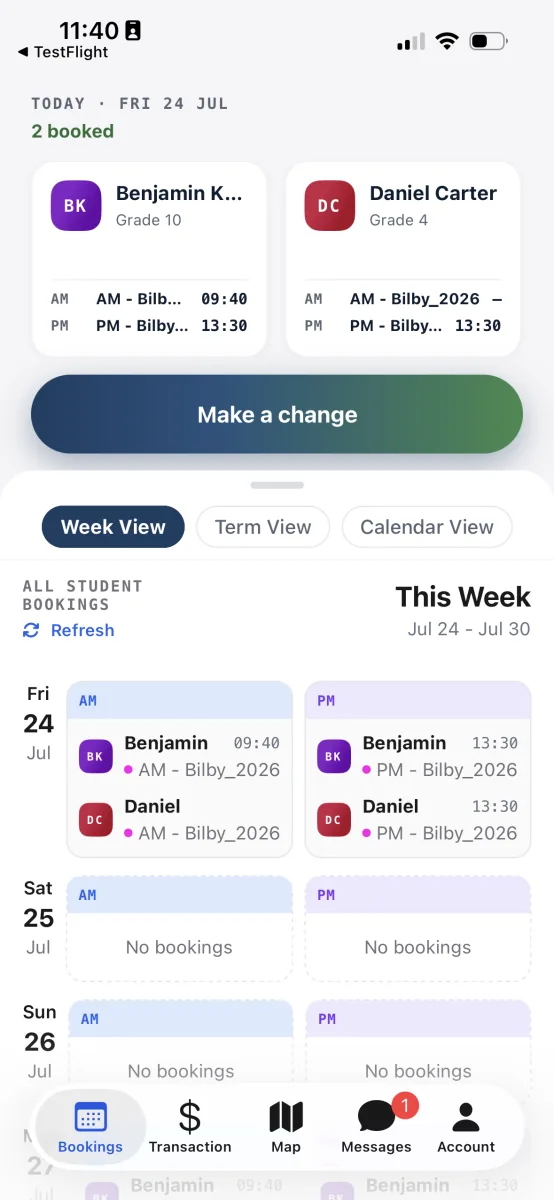
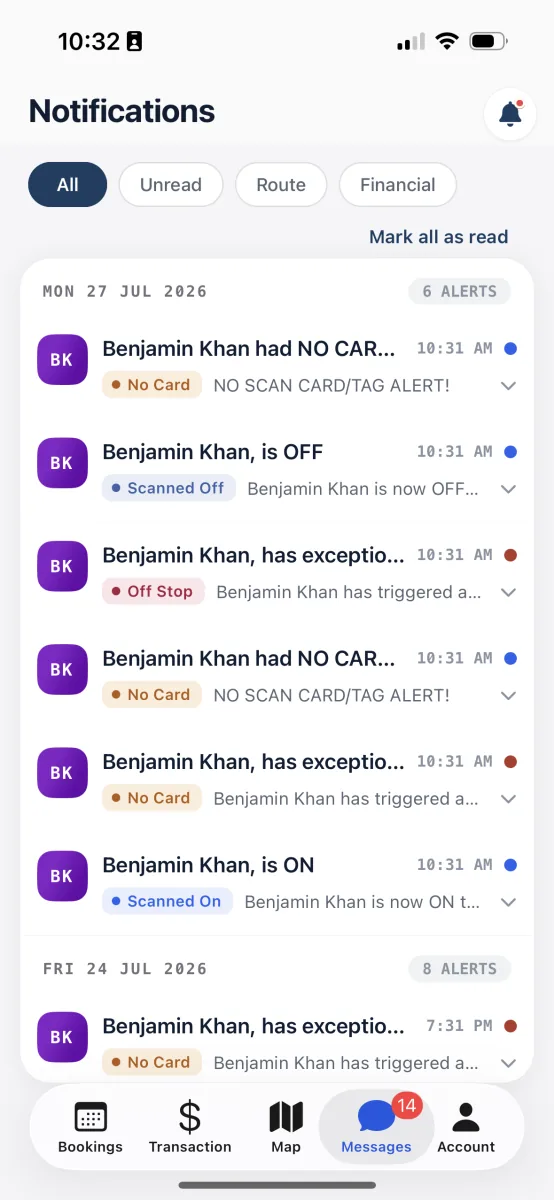
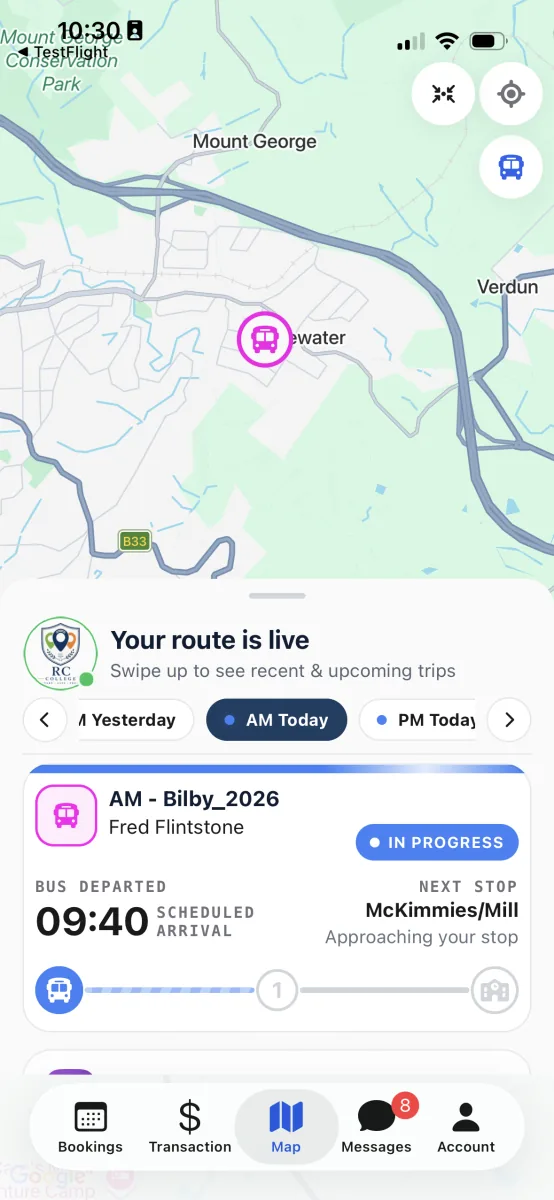
New to the app? Do these three first
- 1
Getting started with the RollCall Parent App
Sign in for the first time, turn on notifications, and find your way around the app.
Read the guide - 2
Tracking your child's bus in real time
Open the live map, see where the bus is, and check when your child scans on and off.
Read the guide - 3
Set up regular term travel
Book a morning and afternoon seat for the whole term in one sitting, then forget about it.
Read the guide
Popular with parents
Tracking your child's bus in real time
Open the live map, see where the bus is, and check when your child scans on and off.
Getting started with the RollCall Parent App
Sign in for the first time, turn on notifications, and find your way around the app.
Manage day-to-day bookings
See what's booked for the week ahead and make small changes to individual days.
Report an absence or one-off change
Let the school know your child won't be on the bus, for a single day or a stretch of days.
Top up and track payments
Read your balance, see what you've been charged for, and top up when it runs low.
Stay informed with notifications
See what alerts you get, read them in the Messages tab, and choose which ones reach you.
Browse the full set
Getting started with the RollCall Parent App
Sign in for the first time, turn on notifications, and find your way around the app.
Set up regular term travel
Book a morning and afternoon seat for the whole term in one sitting, then forget about it.
Tracking your child's bus in real time
Open the live map, see where the bus is, and check when your child scans on and off.
Manage day-to-day bookings
See what's booked for the week ahead and make small changes to individual days.
Report an absence or one-off change
Let the school know your child won't be on the bus, for a single day or a stretch of days.
Stay informed with notifications
See what alerts you get, read them in the Messages tab, and choose which ones reach you.
Top up and track payments
Read your balance, see what you've been charged for, and top up when it runs low.
Share access with carers
Add another adult so they can follow the bus and help with pick-ups and drop-offs.
Manage your account and security
Get around the Account tab, change your password, keep alerts current, and sign out.
Questions parents ask first
Bring RollCall to your school
These guides are for parents whose school already uses RollCall. If your school is exploring bus tracking and safety, we would love to show you how it works.
No obligation, just a look at how RollCall fits your school.