
News1 October 2026
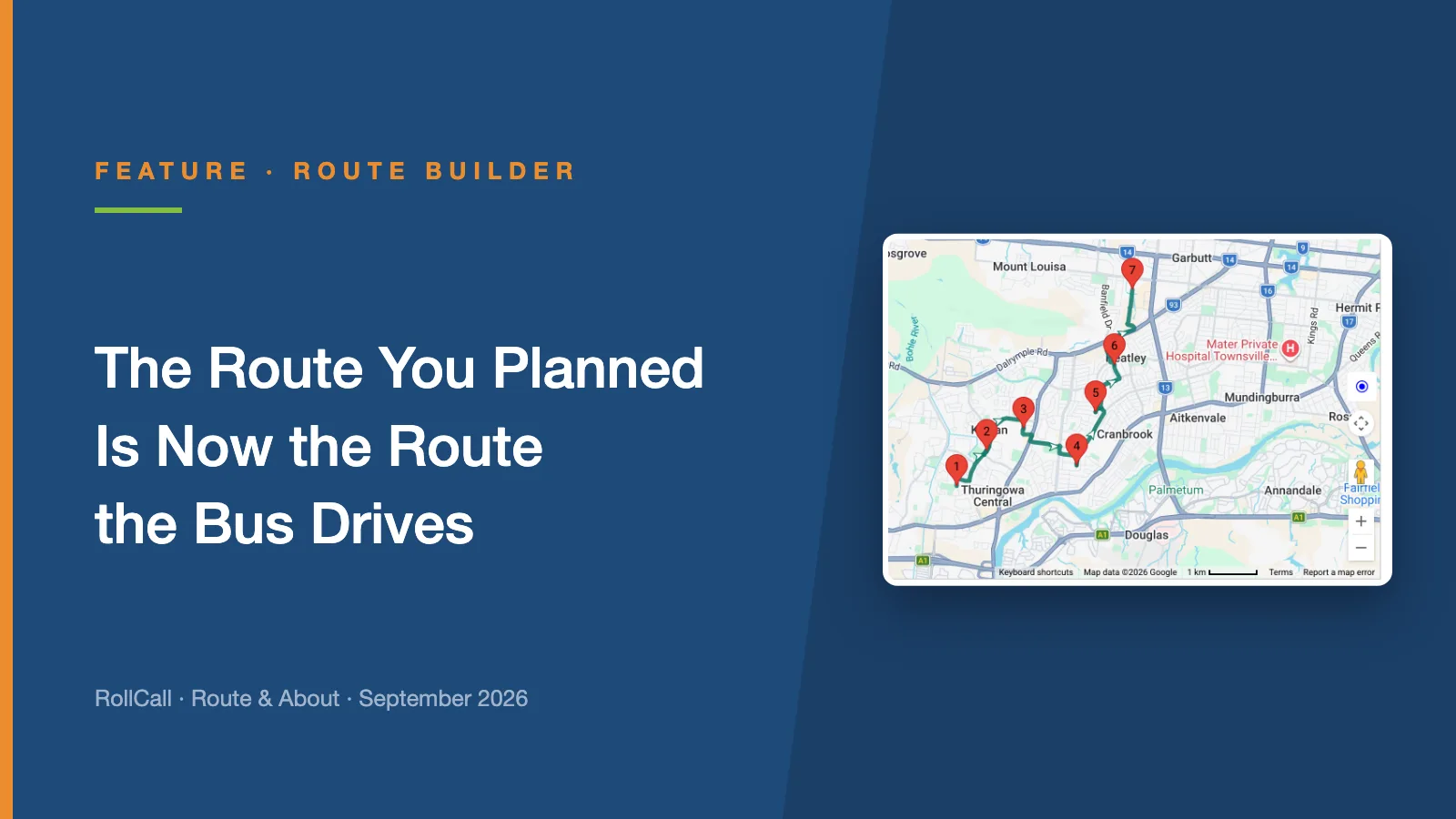
The Route You Planned Is Now the Route the Bus Drives
Until now, driver navigation found its own way between your stops. Plan Navigation lets you set the exact road, and the driver app follows it turn by turn.
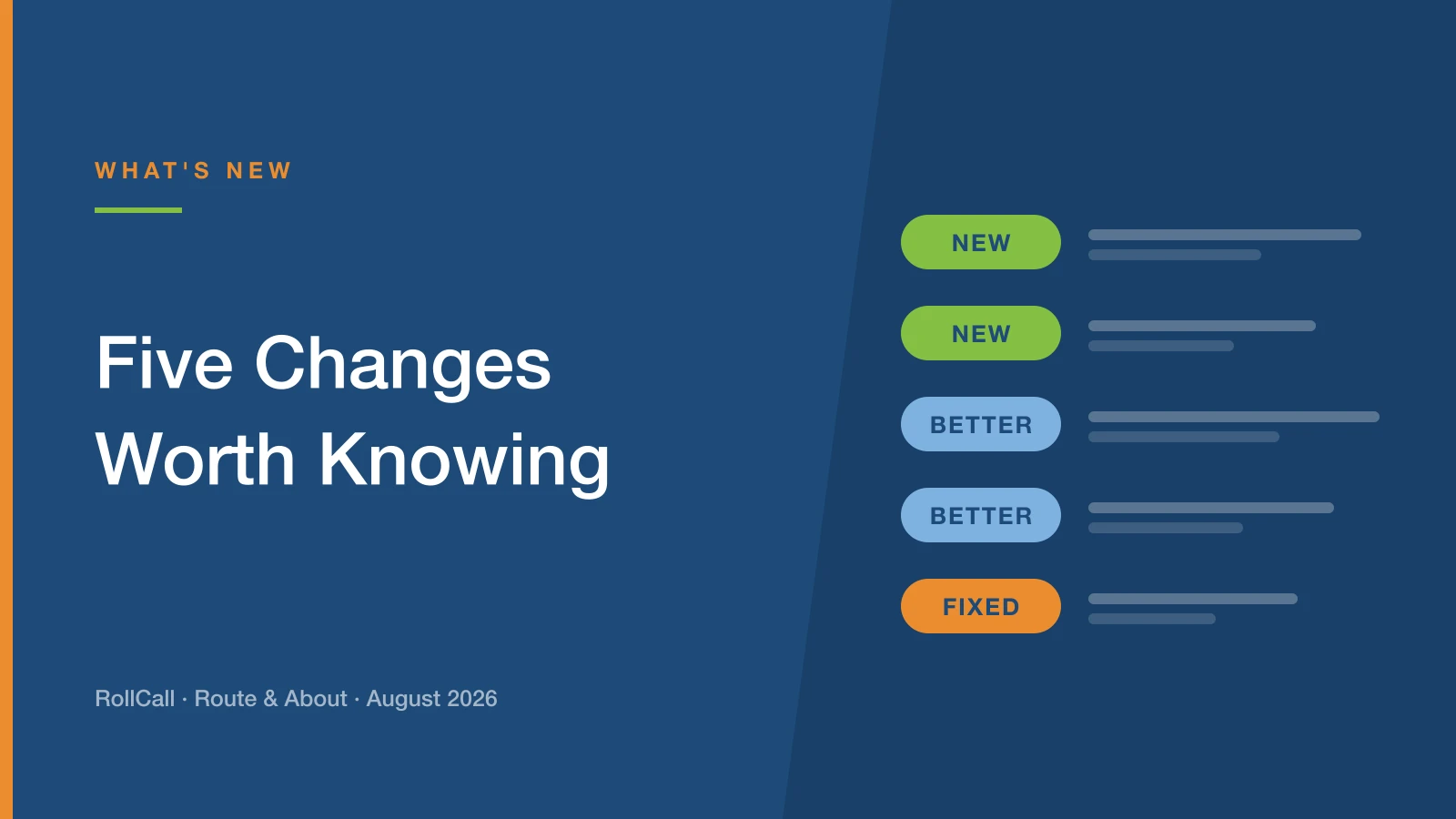
Five things that changed this month - two new, two better, one fixed.
Parents can now press and hold the RollCall icon on their home screen and jump straight to File Absence - no opening the app, no navigating. The same menu also offers a Short-term bus change.
Two of the most common things parents do, now two taps away. Both shortcuts are available on iOS and Android once families have updated to the latest version of the app.
Coming in Term 4. Families complete a bus application form embedded in your school website, and it lands in an always-open intake queue where you match, seat, waitlist or decline. No Google Forms, no re-typing.
There is more detail in our intake workflow article, including what it replaces and why the queue never closes.
The rollover wizard no longer asks you to pick one representative day. Next year's bookings are built from each student's actual travel, with a per-route review before anything is written and a closing worklist of anyone who was missed.
It is the biggest change in this issue, and it has a feature article of its own.
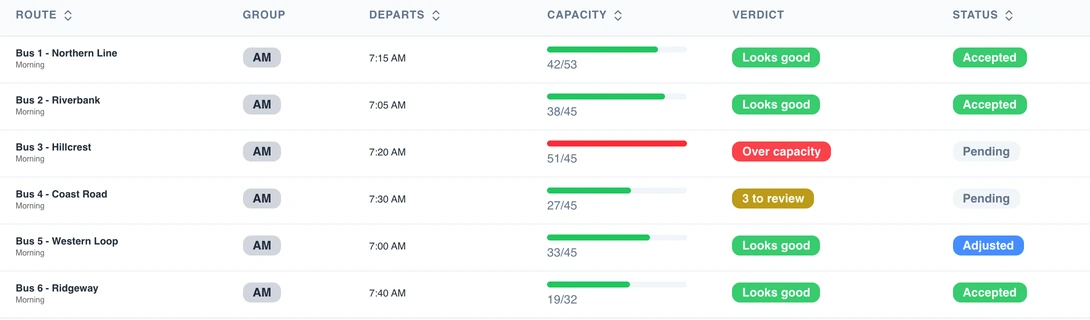
Imports are now checked before anything is written. You get a preview split into Ready to Import and Needs Review - and you can fix the problem rows on screen, re-check them, and watch them move across. No more re-exporting the file five times.
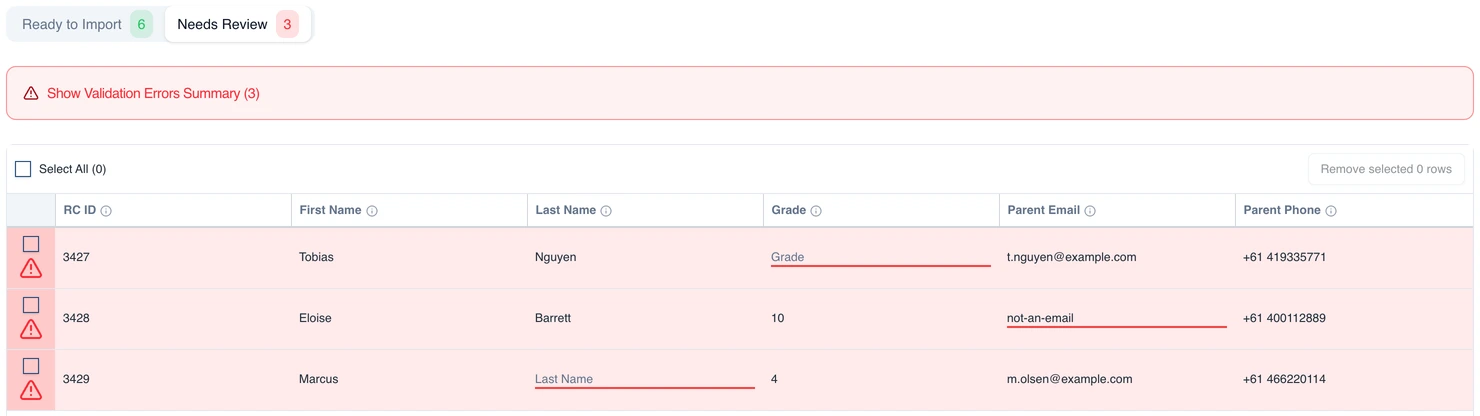
It covers students, student stops, drivers, stops and excursions. Worth checking whether the New Import Enabled setting is switched on for your organisation - you'll find it in Settings → Organisation → Settings.
Following July's launch, we found the surcharge was applying inconsistently across some routes and dates. That is resolved.
If you introduced the surcharge in July, it is worth a quick look at your charges.
Our support team is the fastest way to get a straight answer. Email support@rollcall.com.au.
Until now, driver navigation found its own way between your stops. Plan Navigation lets you set the exact road, and the driver app follows it turn by turn.
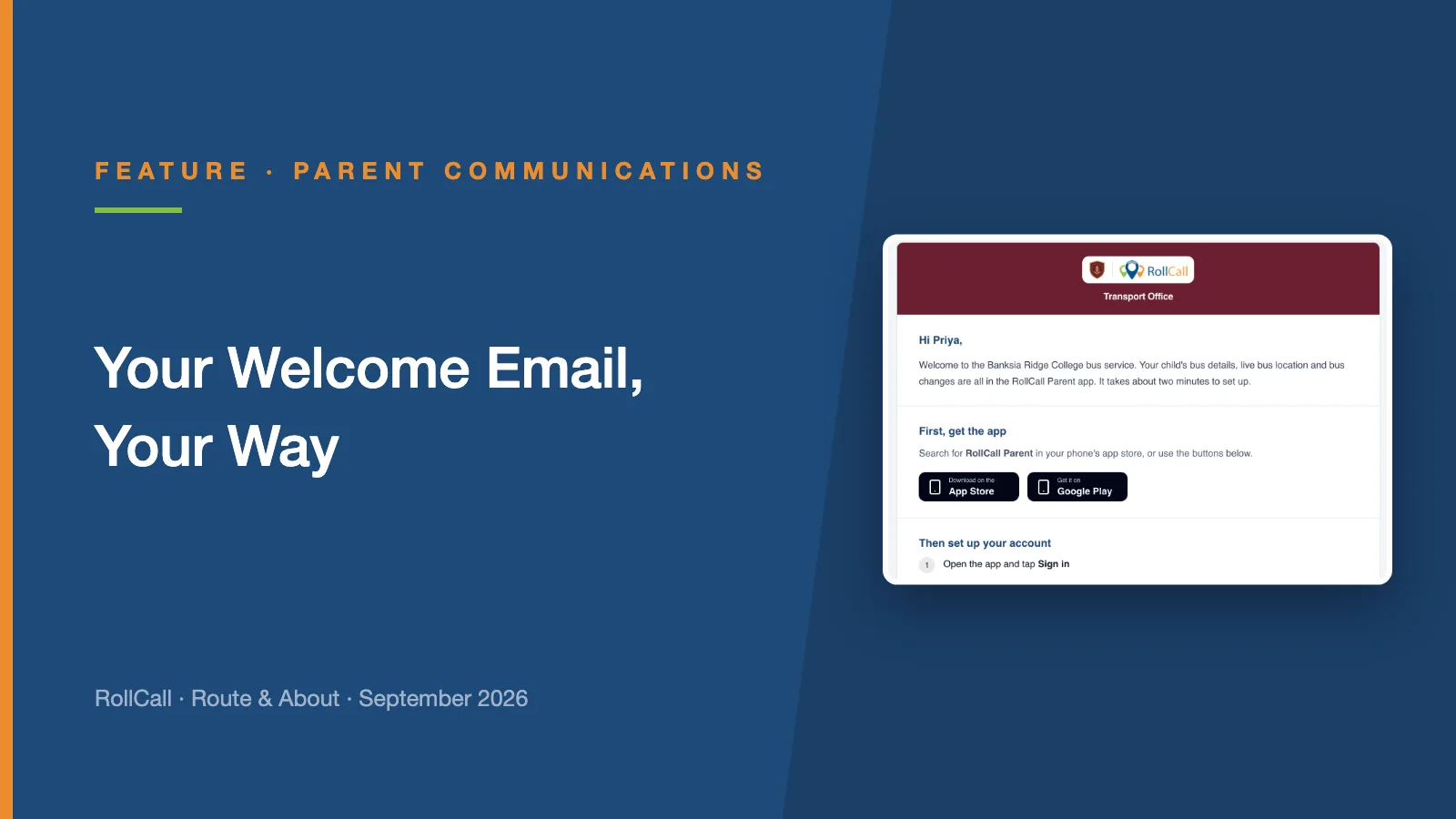
The welcome email is the first thing a new family gets from RollCall. Now your school runs it: your logo and colours, your wording, and a preview of exactly what families receive.
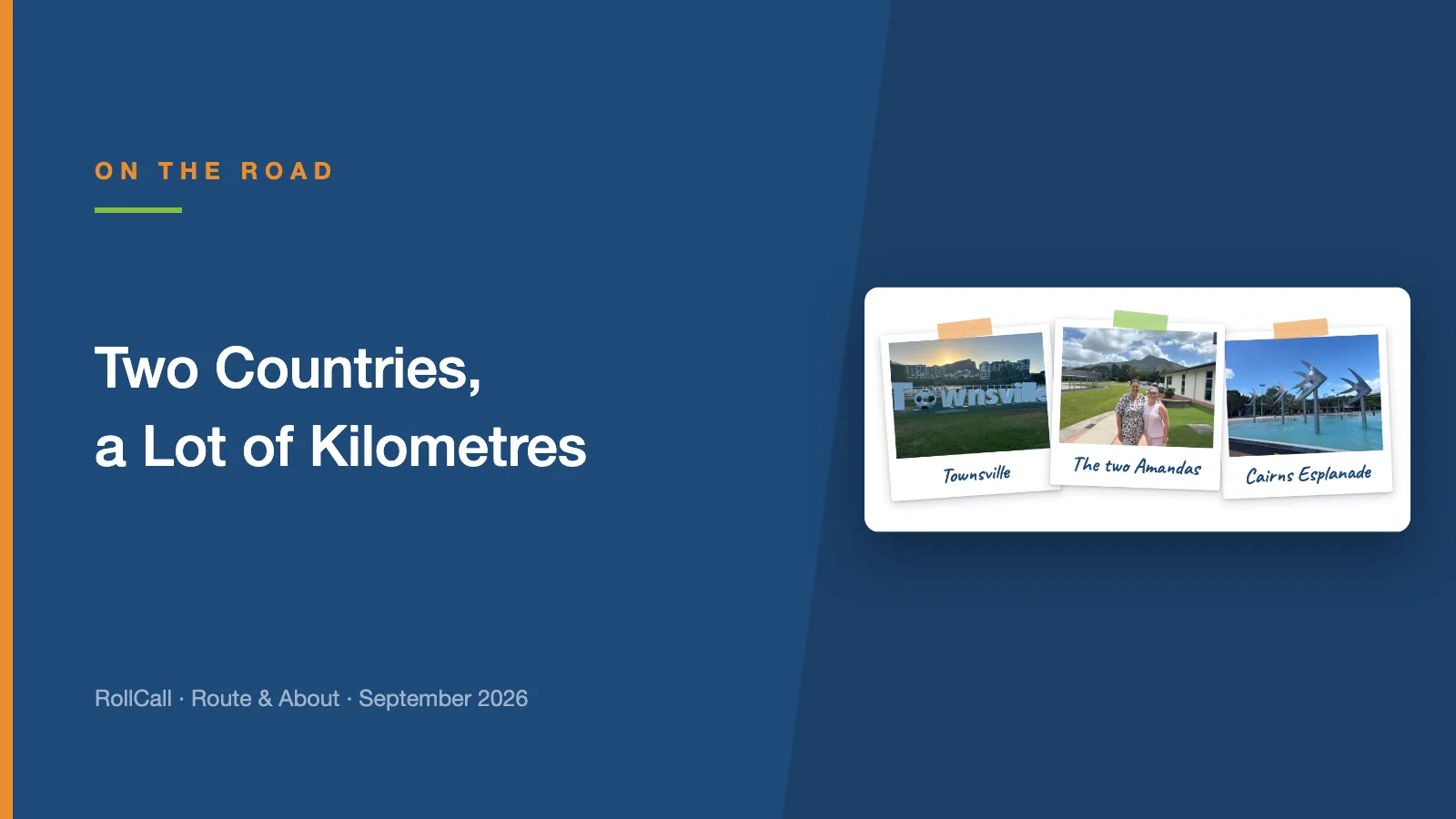
In the same week in September, Amanda visited our schools in Townsville and Cairns, and Dean took the RollCall stand to the SAHISA 2026 Conference in Durban.