
Knowledge22 October 2026
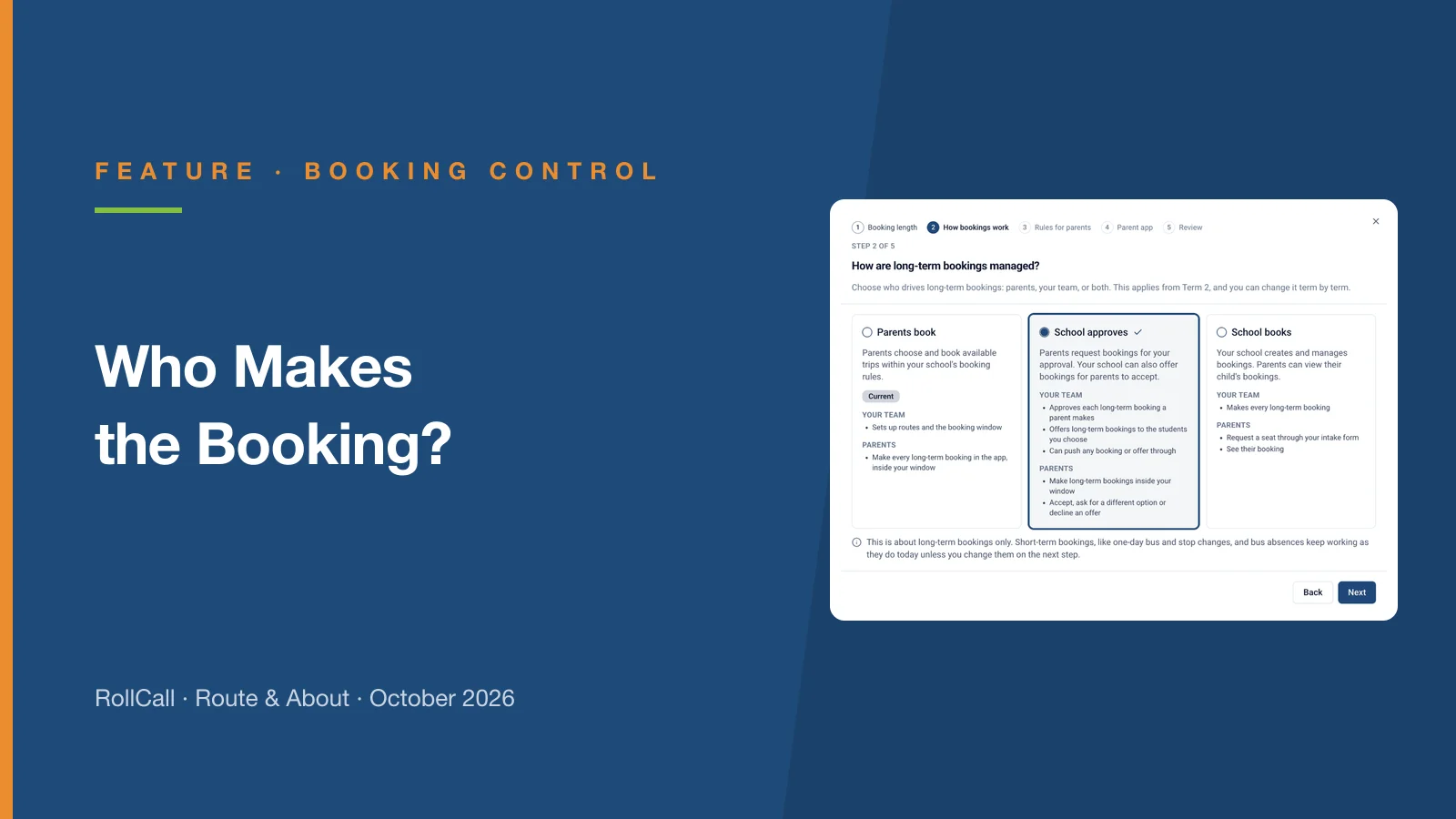
Who Makes the Booking?
Parents book, School approves or School books. RollCall now follows the way your school runs long-term bus bookings, term by term - here is what each one means and how to choose.

Understanding parent access - why there's a new step.
Recently, we introduced the Manage Parent Access dashboard, giving schools direct control over who can access the RollCall Parent App.
Since launching the feature, we've received a common question:
Why do I now need to enable parents?
The short answer is because schools asked for greater control.
Previously, once a parent's email existed in RollCall, access to the Parent App was largely automatic. The new Enable / Disable function allows your school to decide exactly when parents can access the app.
This is particularly useful when:
| Setting | What it controls | What it means |
|---|---|---|
| Current / Past Parent | Relationship to the school | A parent must be linked to at least one current student. If they are only linked to past students, they become a Past Parent and cannot access the Parent App. |
| Engaged / Unengaged | Parent activity | Engaged means the parent has accepted their invitation, created a password and logged into the Parent App. Unengaged means they haven't completed this process yet. |
| Enabled / Disabled | School permission | This is controlled by your school. Enabled parents can access the Parent App. Disabled parents cannot log in, even if they have previously used the app. |
We know Enable Parent is a new step in the onboarding process, so we've updated the workflow to make sure it isn't missed.
If you manually create parents and students in RollCall using Add Student/Parent, you'll now be prompted to enable the parent before sending their invitation.
If your school uses an integration with your Student Management System (such as TASS, Compass or Sentral), newly imported parents will also prompt you to review and enable their access.
These prompts are designed to make the new workflow as simple as possible while ensuring parents don't miss out on access because one final step was overlooked.
For a parent to successfully access the RollCall Parent App, all three conditions below must be true:
If any one of these isn't true, the parent won't be able to access the Parent App.
A small new step - but one that gives schools much greater control over who can access their transport information, and when.
Parents book, School approves or School books. RollCall now follows the way your school runs long-term bus bookings, term by term - here is what each one means and how to choose.
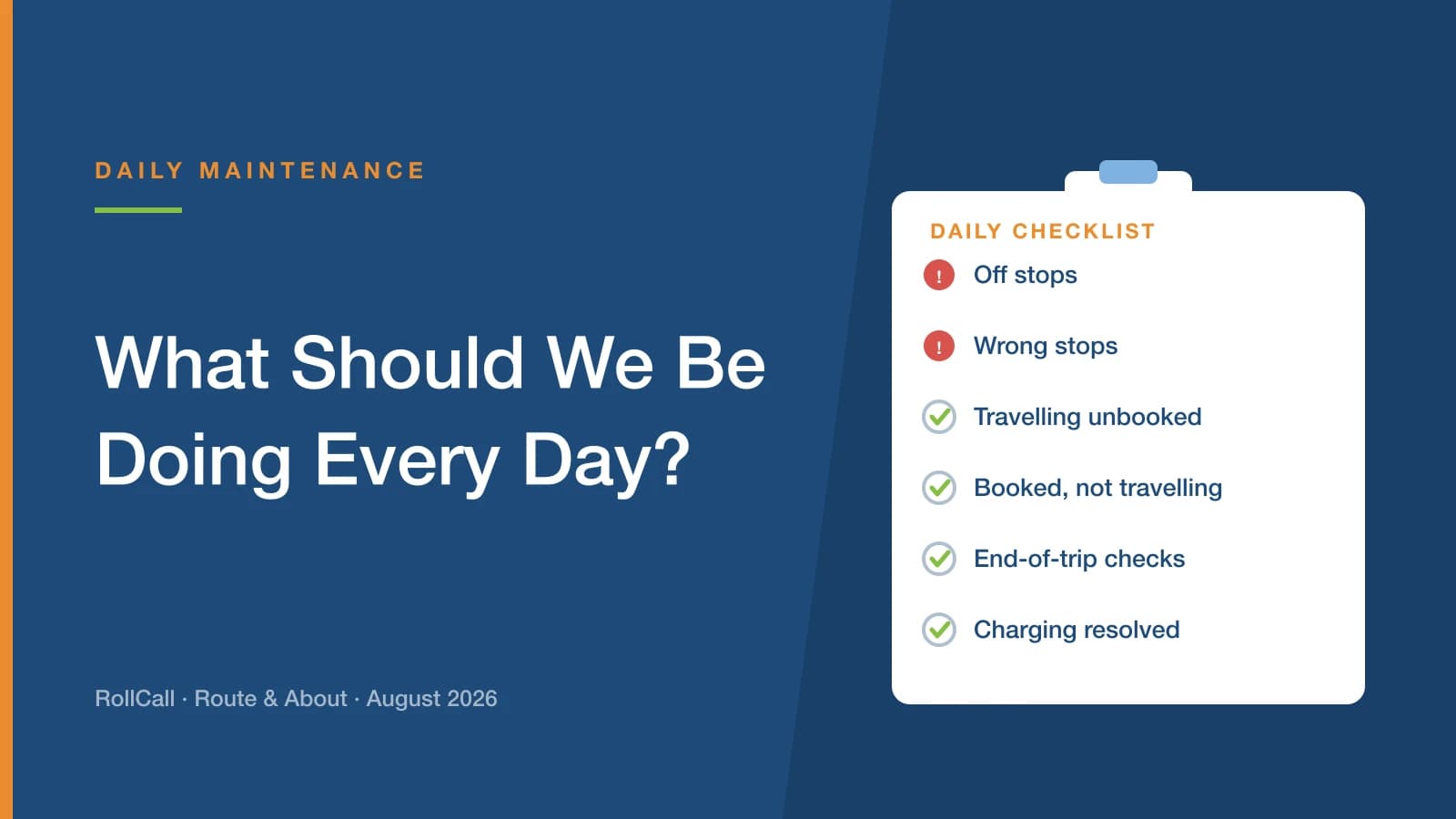
It comes up at almost every school visit. The answer is simpler than most people expect: three checks on every service, AM and PM, and fifteen to thirty minutes each morning to work through them.
Australia's first Children's Online Privacy Code must be registered by 10 December 2026. It is aimed at online services rather than schools - but it will reshape what your suppliers collect, what they switch on by default, and what they tell families.